Pre-launch waitlist

The Developer's AI Productivity Blueprint

Stay current with AI tools and integrate them into daily engineering work without losing core coding skills.

This blueprint is built for developers who want practical leverage, not hype. You will set up the right AI stack, improve implementation speed, evaluate generated code with confidence, and build long-term skill retention systems.

Workflow-First Approach

Integrate AI directly into daily engineering work without derailing your current process.

Critical Evaluation Skills

Review AI-generated code with stronger testing, security, and performance instincts.

Skill Retention by Design

Use AI as leverage while preserving the coding fundamentals that make you effective long term.

Join the waitlist
Launching Q1 2026
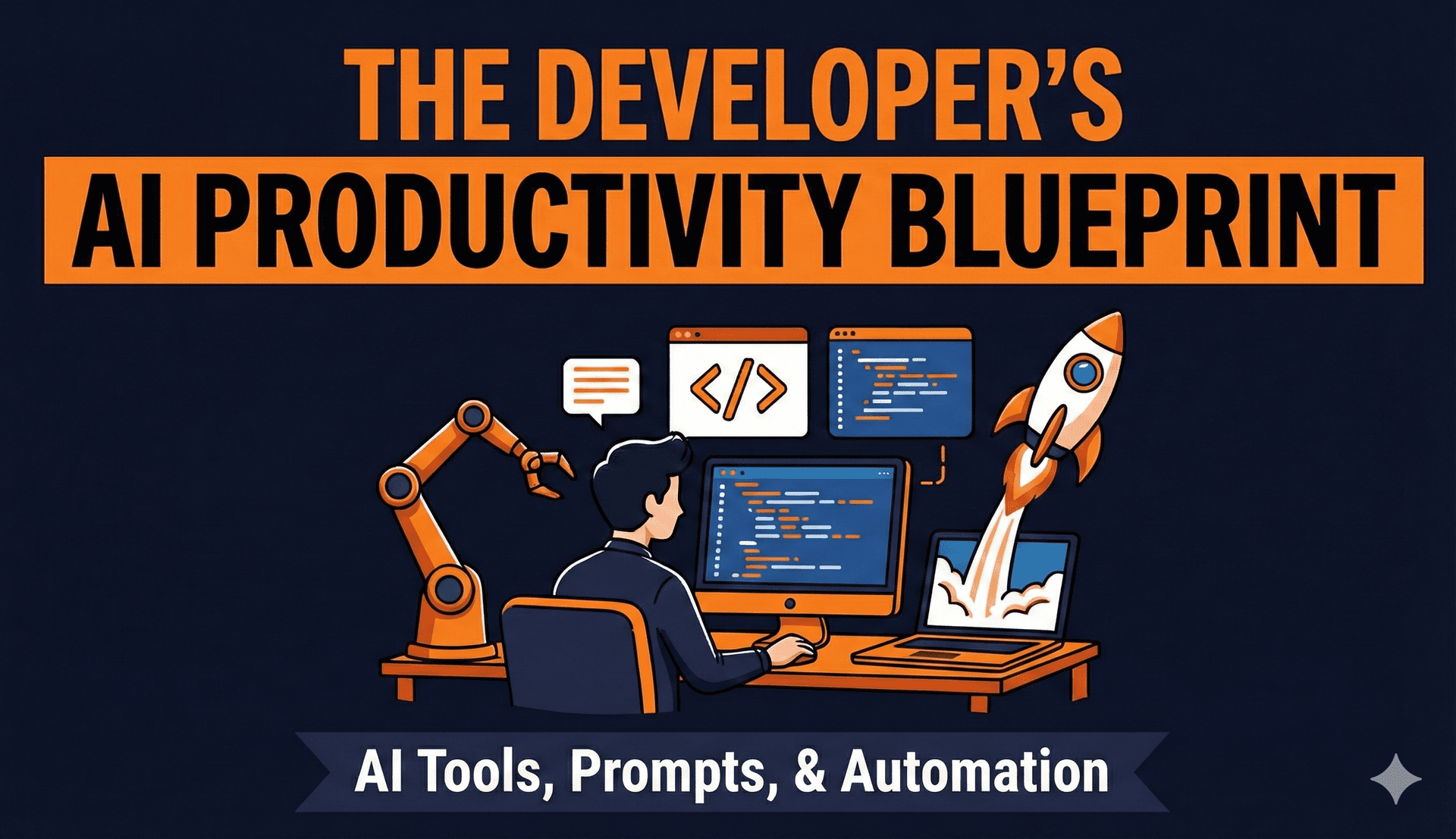
The Developer's AI Productivity Blueprint course cover

Structured into 8 practical modules with templates, checklists, and implementation assets.

Curriculum overview

Eight modules, one practical AI operating system.

Each module solves a specific adoption problem, from tool selection and prompting to security, documentation, and agent workflows.

#ModuleCore Outcome
1Essential AI Tools for DevelopersSet up a practical AI-augmented dev environment with the right tools for each task.
2Practical Prompt EngineeringWrite prompts that produce usable code and reduce iteration cycles.
3AI in Your Daily Development WorkflowIntegrate AI into TDD, reviews, docs, and legacy work without disrupting team flow.
4Reading and Evaluating AI-Generated CodeCatch defects earlier by reviewing AI suggestions with stronger engineering standards.
5Learning and Documentation with AILearn new stacks faster and build reliable internal knowledge systems.
6Maintaining Your Coding SkillsPreserve core programming ability through deliberate manual practice.
7Privacy, Security, and Best PracticesAdopt AI safely with clear boundaries for data handling and compliance.
8Building Your Personal AI AgentsDesign and run practical developer-focused agents with cost and maintenance controls.

Inside the modules

What you will learn and what you will ship.

Every module includes implementation-ready outcomes so you can immediately apply each topic in real engineering work.

Module 1

Essential AI Tools for Developers

Get set up with the tools that matter right now.

What you will learn

  • GitHub Copilot vs Cursor vs Claude Code vs Gemini: which tool fits which job.
  • IDE options like Antigravity and Cursor for AI-native development.
  • Using ChatGPT and Claude for debugging and code explanations.
  • AI-powered search and documentation tools for faster implementation.
  • Setting up an AI-augmented development environment end to end.

Deliverables

  • Tool comparison matrix.
  • Quick setup guide for each major tool.
  • Cost calculator for tool subscriptions.

Module 2

Practical Prompt Engineering

Write prompts that produce usable code the first time.

What you will learn

  • The anatomy of effective coding prompts.
  • 25 prompt templates for common development tasks.
  • Debugging and refactoring prompts that consistently work.
  • Context management techniques for better AI responses.

Deliverables

  • Personal prompt library template (Notion or Obsidian).
  • Prompt troubleshooting checklist.
  • Language and framework specific prompt examples.

Module 3

AI in Your Daily Development Workflow

Integrate AI into real work without disrupting your process.

What you will learn

  • TDD workflows with AI coding assistants.
  • AI-assisted code reviews and PR description generation.
  • Automated documentation generation from code and changes.
  • Working with legacy code using AI support patterns.
  • Decision framework: when to use AI and when to code manually.

Deliverables

  • Daily workflow checklist.
  • Code review prompt templates.
  • Documentation automation scripts.

Module 4

Reading and Evaluating AI-Generated Code

Develop critical skills to catch AI mistakes and improve output.

What you will learn

  • Common patterns in AI-generated code, both useful and risky.
  • Security red flags that appear in AI code suggestions.
  • Performance issues to watch for before shipping.
  • How to give feedback that improves future AI output quality.
  • Testing strategies tailored to AI-generated code paths.

Deliverables

  • AI code review checklist.
  • Security scanning guide for AI code.
  • Test coverage templates.

Module 5

Learning and Documentation with AI

Speed up learning and understanding across frameworks and codebases.

What you will learn

  • Using AI to learn new languages and frameworks faster.
  • Navigating unfamiliar codebases with guided AI exploration.
  • Creating tutorials and learning assets with AI assistance.
  • Building internal documentation systems that stay useful.
  • Extracting actionable knowledge from videos and courses.
  • Staying current with AI developments without information overload.
  • Curating high-signal information sources that matter.
  • Evaluating new AI tools quickly and systematically.

Deliverables

  • Learning prompt templates.
  • Documentation generation workflow.
  • Codebase exploration checklist.
  • Tool evaluation framework.
  • Resource curation guide.

Module 6

Maintaining Your Coding Skills

Use AI without letting your core software engineering skills degrade.

What you will learn

  • How to identify skills that still require manual practice.
  • Deliberate practice strategies in the AI era.
  • Algorithm and data structure practice with AI as tutor.
  • Code reading and comprehension training routines.
  • How to build intuition that AI cannot replace.

Deliverables

  • Personal skill assessment framework.
  • 30-day manual coding challenge.
  • Skill maintenance tracker.

Module 7

Privacy, Security, and Best Practices

Protect your code and data while using AI effectively.

What you will learn

  • What data is safe to share with AI tools.
  • Local vs cloud AI tools and their security tradeoffs.
  • Handling proprietary code and sensitive data safely.
  • License compliance concerns for AI-generated code.
  • Team boundaries and policies for responsible AI use.

Deliverables

  • Security guidelines checklist.
  • Tool privacy comparison chart.
  • Team AI usage policy template.

Module 8

Building Your Personal AI Agents

Create custom AI workflows that work for you 24/7.

What you will learn

  • Agentic AI fundamentals and when an agent is actually needed.
  • An AI agent workflow from idea to operation.
  • Connecting Claude or GPT models to practical workflows.
  • Developer agent examples: code review, documentation sync, tech-news curation, and learning support.
  • Debugging, maintaining, and cost-managing agent workflows.

Deliverables

  • Agent design template (build vs buy decision).
  • Cost monitoring dashboard setup guide.

Hands-on project

Module 8: Custom coding assistant

Build a custom coding assistant wired to your team style guide so AI output aligns with your conventions, review standards, and engineering workflow.

Waitlist

Get launch updates and early access details.

Join the list to receive release announcements, curriculum updates, and launch-week availability.

Join the AI Blueprint waitlist

Drop your email to get notified when enrollment opens and when new launch details are published.

No spam. Only launch and course update emails.

FAQ

Who is this blueprint for?

This course is designed for working developers who want to adopt AI tools in real projects while keeping strong core coding skills.

Will this focus on theory or practical workflow?

The structure is workflow-first. Every module includes practical deliverables like checklists, templates, scripts, and repeatable frameworks.

Does the course cover privacy and security concerns?

Yes. Module 7 is dedicated to privacy, security, license compliance, and policy boundaries for using AI in professional environments.

Can this help me stay sharp as an engineer, not just an AI operator?

Yes. Module 6 focuses on deliberate manual practice, code reading, and maintaining the intuition and fundamentals that AI cannot replace.

Do we actually build agents, or only discuss them?

You will design practical agent workflows in Module 8 and ship a hands-on project: a custom coding assistant aligned with your team style guide.